

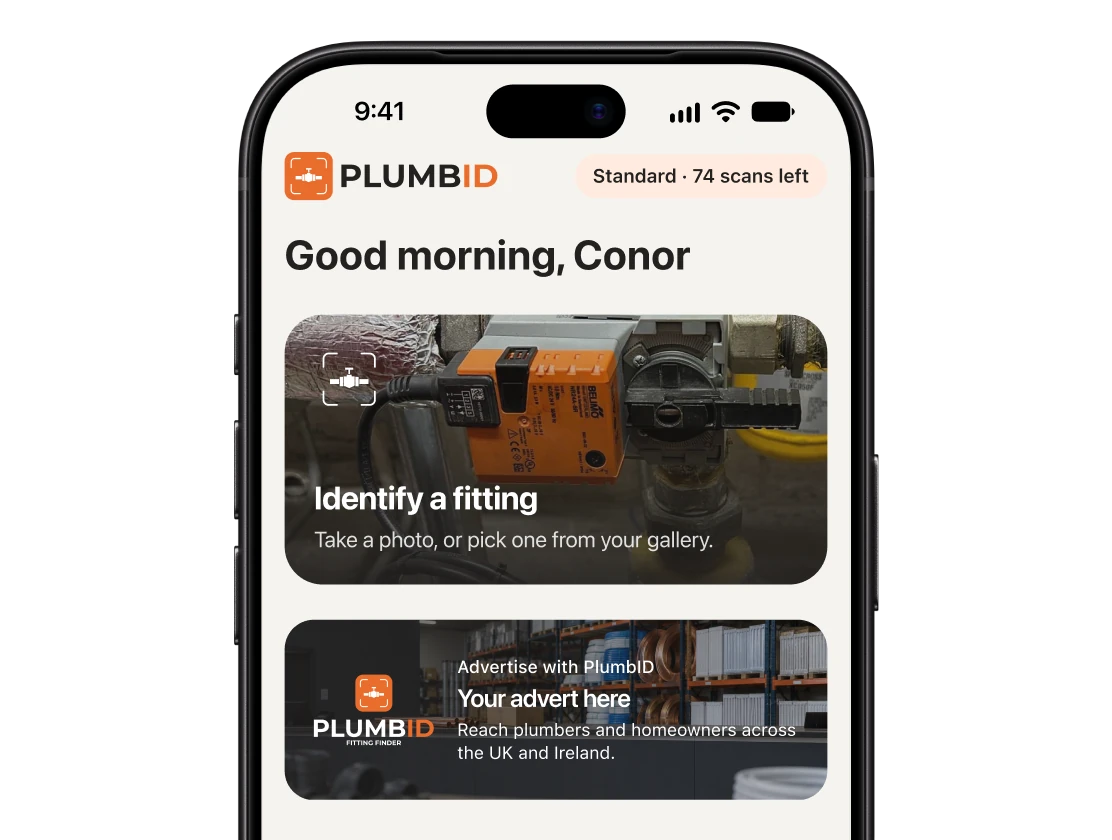

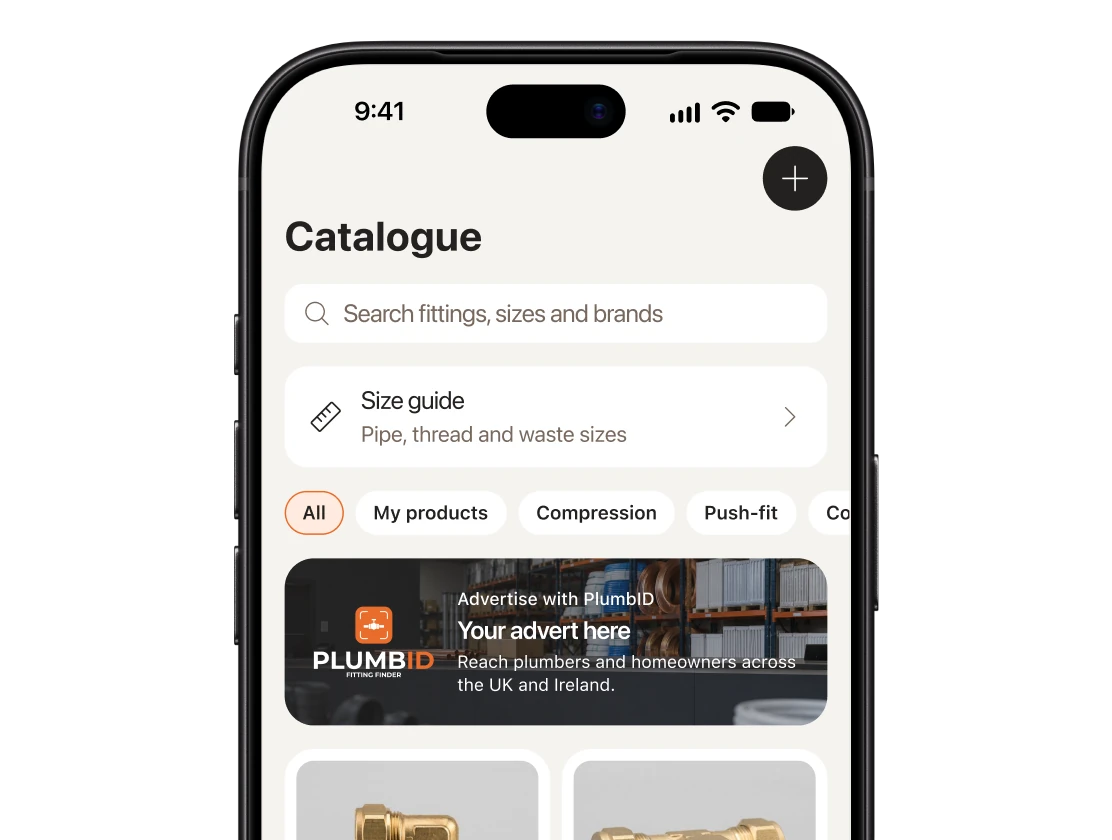
Three steps to your advert

1. Send your advert
In the app, under Settings, then Adverts. Upload a banner, or make one from your logo, business name and message.

2. We check it
PlumbID approves every advert before it can be booked. You pay nothing until it’s approved.

3. Book a block
Pick a block that’s free and pay in the app, through the App Store or Google Play.