



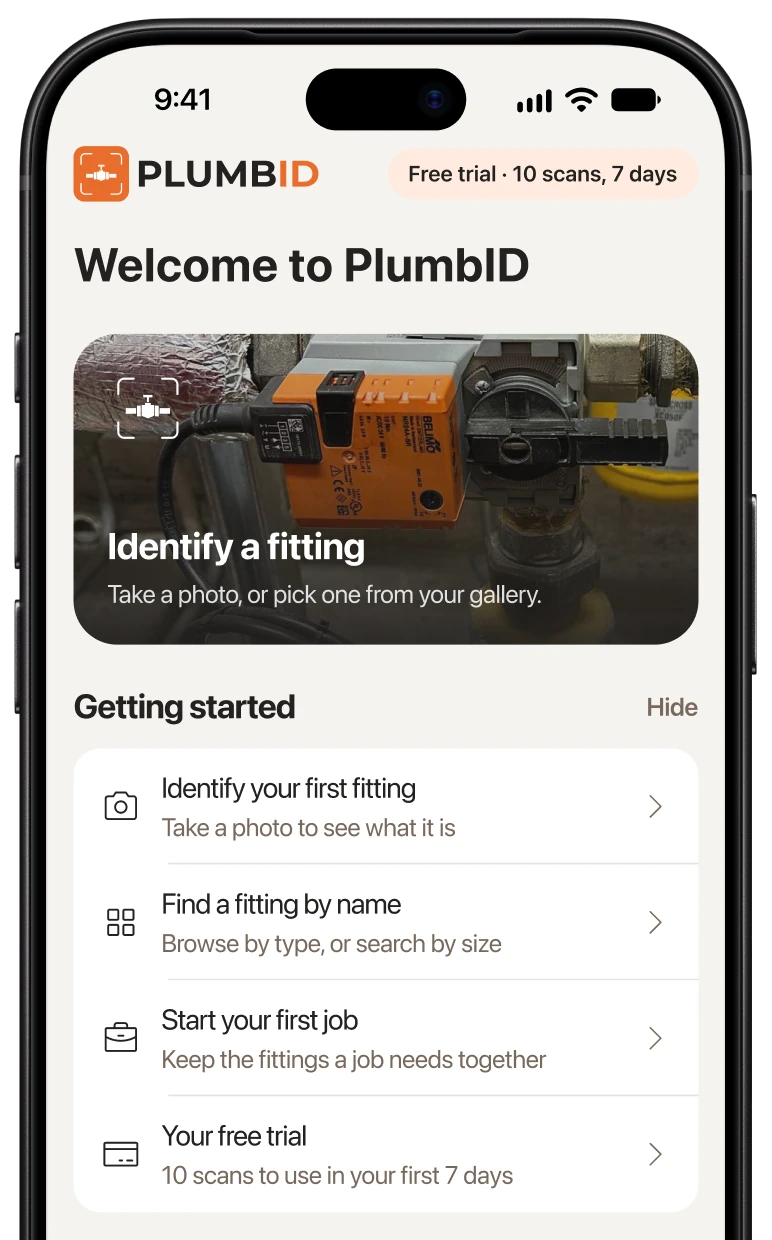
Get started in three steps

Step 1
Download PlumbID
From the App Store or Google Play. It’s free to download.

Step 2
Make your account
With your email and a password. Your free trial starts straight away.

Step 3
Scan your first fitting
Fill the frame with one fitting. PlumbID tells you what it is.